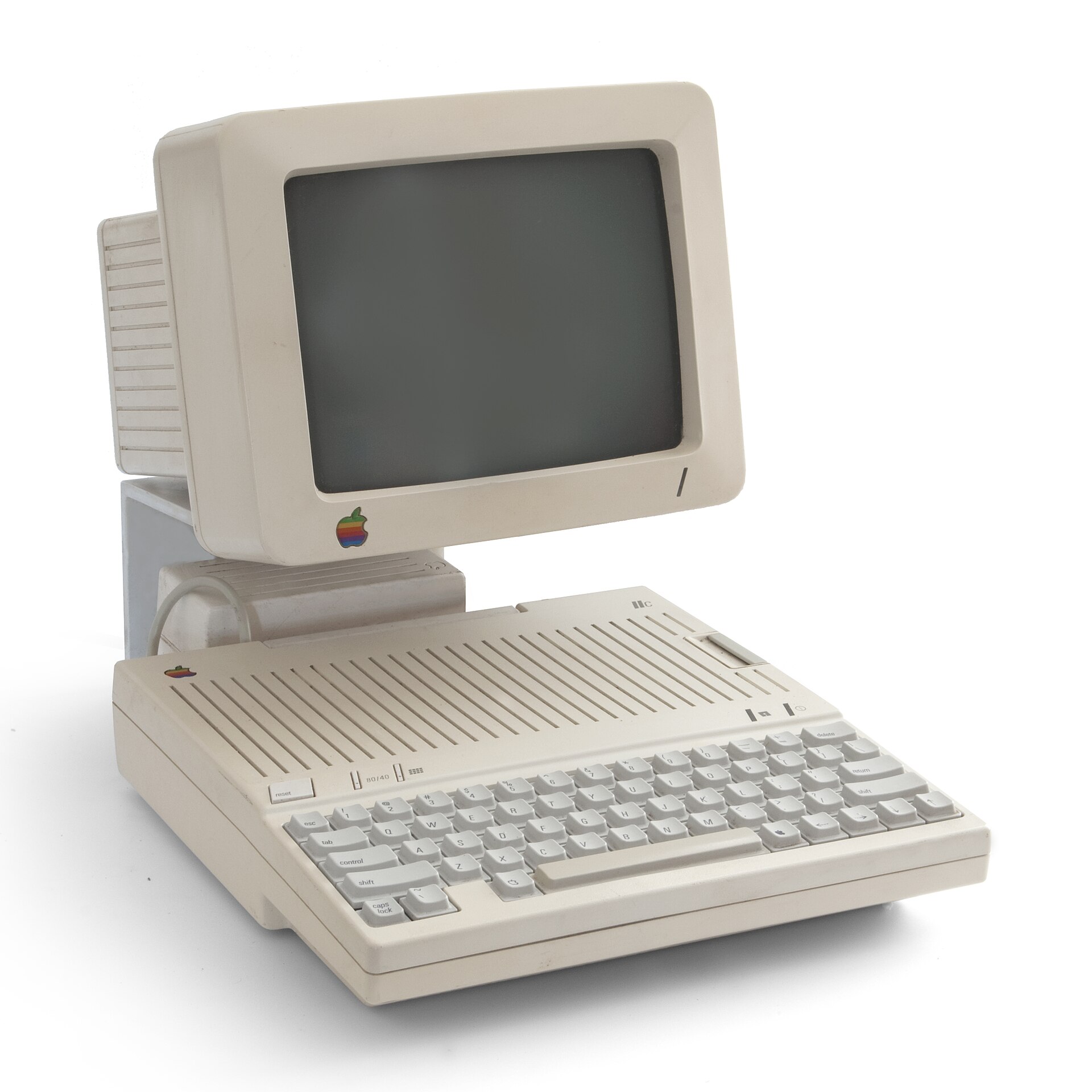

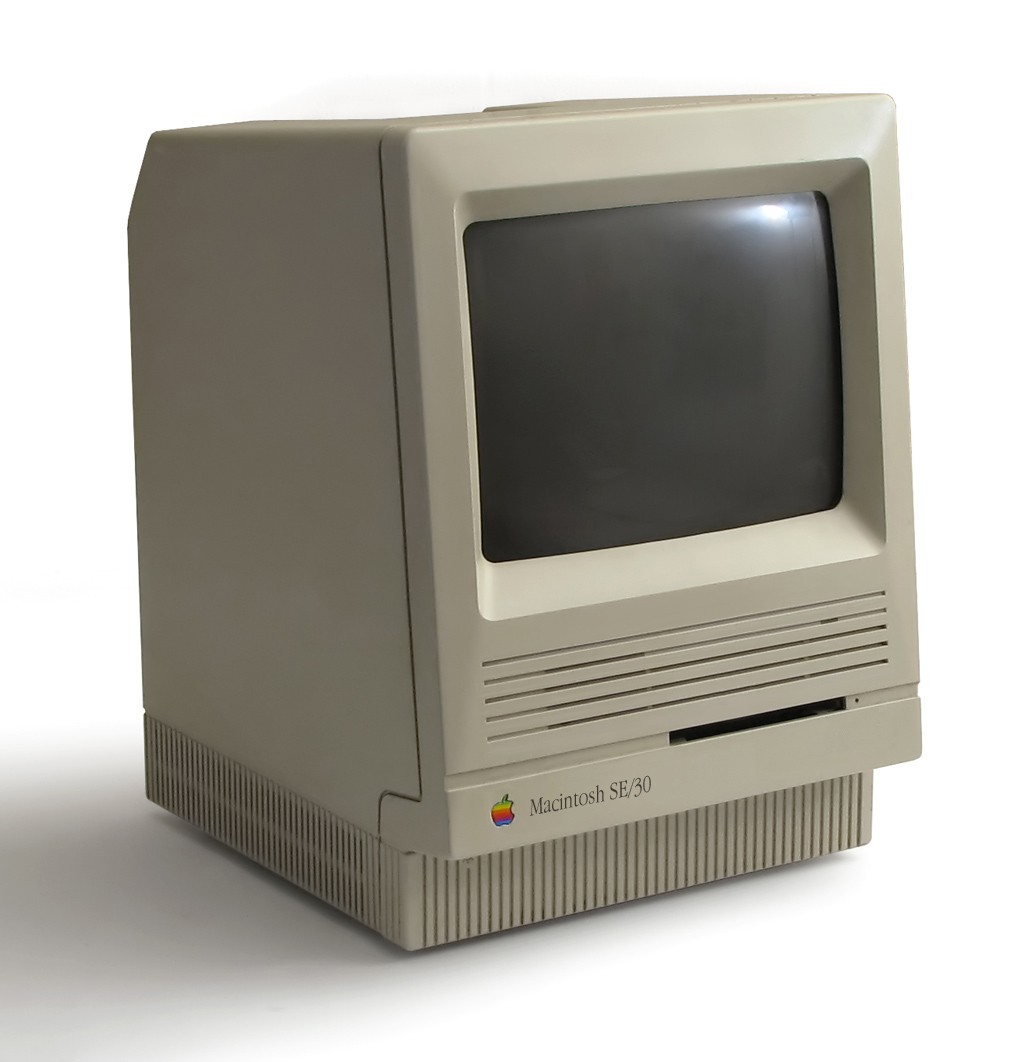

So, you’ve just inherited an Apple IIgs—or in my case, a friend handed me his dad’s old one. Thanks, Ed. The first thing to know is that the IIgs is a hybrid: part Apple II, part Macintosh. It’s the pinnacle of the Apple II line, borrowing features from the early Mac family. In other words, it’s a very cool retro system to own.
Naturally, the first thing you should do is crack it open and see what’s inside. Mine came with a Quickie scanner card (not exactly thrilling) and a fully loaded memory expansion card (much more exciting). It had a whopping 1 MB of RAM.

As charming as 1 MB is, I wanted more. Why? No real reason—I just wanted to trick it out. I went with an 8 MB expansion card from Garrett’s Workshop called the RAM2GS II. There are a few places that make memory cards for the IIgs, but they can be hard to find and often out of stock.
For modern options, I’d suggest looking at:
If you prefer a more authentic retro vibe, check out the original Apple RAM Expansion Cards on eBay. As of 2026, a 1 MB card like mine goes for around $65.
If you want a blend of old and new, ReActiveMicro sells the 4GS RAM Card from Briel Computers, which they describe as “100% Retro Compliant.” It adds 4 MB of RAM to either a ROM1 or ROM3 IIgs and uses actual SIMMs for that classic look.

Feeling adventurous? All of Garrett’s Workshop designs are open source, so you can have the boards made and build your own. Their GitHub page has everything you need.
I’m sure there are other options out there, but these are the cards I looked at while deciding how to upgrade my own machine. I hope this article helps you decide.
Here are some links to get you started.
Console5 / ReActiveMicro / GGLabs / Garrett’s Workshop Tindie / Garrett’s Workshop Github.
Happy Tinkering.
Rick