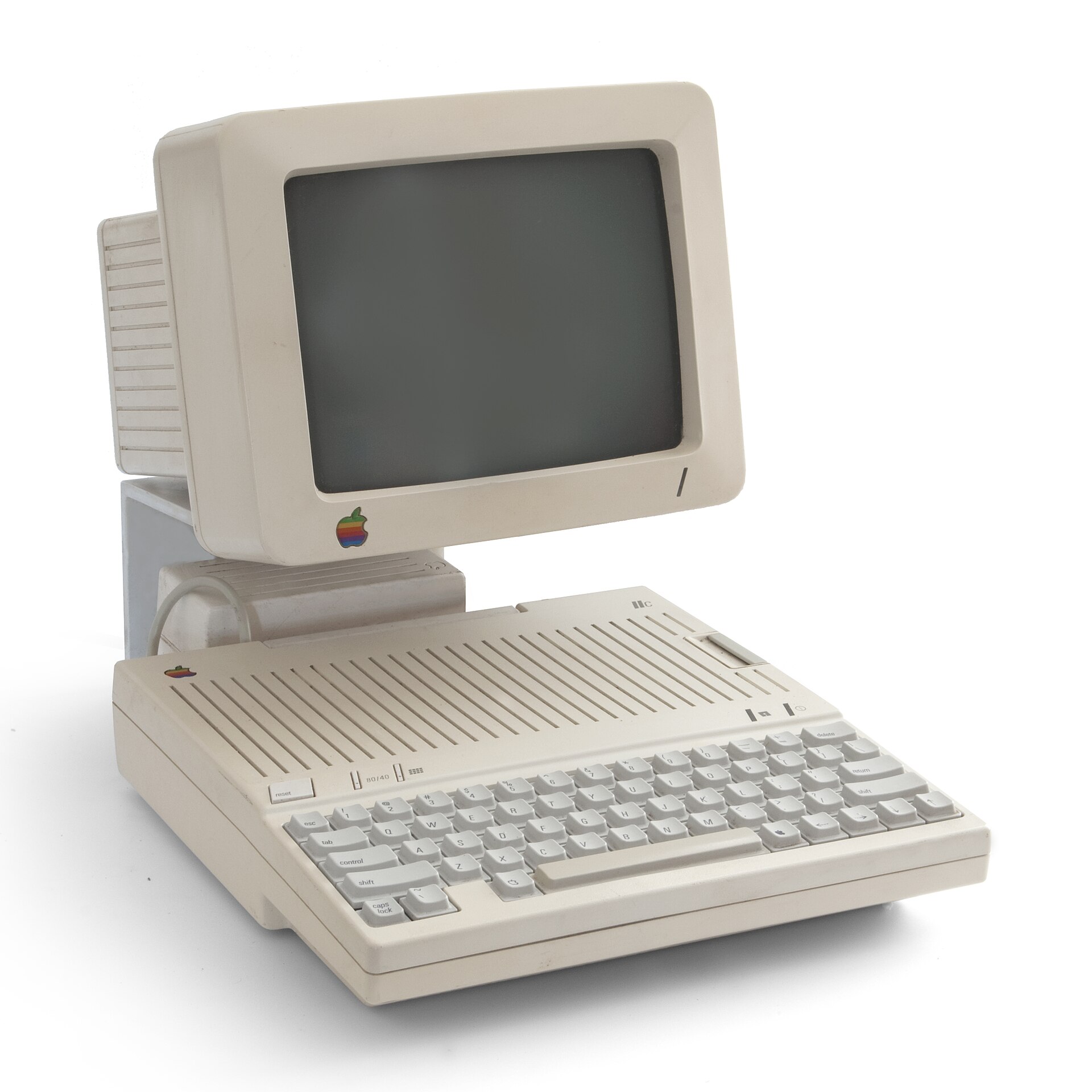


Let me start with a confession: I do own the official Apple IIgs CRT monitor. Do I use it? Almost never. It’s a beautiful display, but it’s also a giant beige anchor that only works with one system. My office is small, my desk is smaller, and I prefer gear that can multitask.
My usual retro‑monitor setup is a TV paired with a RetroTink — HDMI, composite, S‑Video, the whole buffet. It happily handles my Atari, Commodore, Raspberry Pi, and whatever else I throw at it. Naturally, I wanted the IIgs to join the party. Unfortunately, the IIgs composite output looks… well… bad. Soft, smeary, and not worthy of the machine.
So I started dreaming about HDMI. Surely someone makes a clean, modern HDMI card for the IIgs, right? Turns out: not really. Options are limited.
The best choice is the A2FPGA multicard from ReactiveMicro. It’s fantastic, but I wasn’t quite ready to commit. Europeans can use SCART, but here in the U.S. that’s basically a unicorn. That left me with the next‑best path: VGA.
And of course there was a catch.
The 15 kHz Problem
The Apple IIgs outputs a 15 kHz RGB signal — the same frequency used by classic arcade monitors and old home computers. Most modern VGA monitors simply don’t understand it. So you can’t just plug in a cheap RGB‑to‑VGA converter and call it a day. You need two things to line up:
- A proper RGB‑to‑VGA adapter
- A monitor that actually supports 15 kHz
That second part is where things get tricky.

The Three Things You’ll Need
If you want to go down the VGA path, here’s the shopping list:
- RGB to VGA converter/adapter I bought mine from Maxwell’s Gadgets on Tindie. Good price, works well.
- A VGA cable Nothing fancy.
- A 15 kHz‑compatible monitor This is the hard part.
Everyone points you to the 15khz.miraheze.org list. It’s a great resource, but the moment you open it, you’re hit with a wall of model numbers, revisions, and obscure industrial displays. It’s overwhelming.
So I went hunting for something more approachable.
Enter Ron’s Computer Videos
Ron posted a short video about using professional Sony monitors with RGB inputs that natively support 15 kHz. He specifically mentioned the Sony LMD‑1420 and LMD‑1410 series.
Bless you, Ron.
I found a Sony LMD‑1410SC on eBay for under $150 shipped. The “SC” version was built for medical environments, which means it comes in a color surprisingly close to the IIgs. If you buy one, make sure it includes the stand — many listings don’t.
You’ll also want a BNC‑to‑VGA cable, which makes the hookup painless. These monitors were expensive professional gear when new (think thousands of dollars), so the build quality is excellent. But they use BNC connectors for composite and RGB, so adapters are part of the deal.

My LMD‑1410SC includes:
- 2× composite inputs
- S‑Video
- RGB (sync‑on‑green)
- Audio inputs (yes, audio!)
It’s a surprisingly flexible monitor for retro systems.

Making It All Fit
I designed and 3D‑printed a custom enclosure for my RGB‑to‑VGA converter. It supports the board against the back of the IIgs and has a cutout for the slot cover above it. It sticks out farther than I’d like, but it works.

So… Was It Worth It?
I absolutely love how the Sony monitor looks with the IIgs. The image is sharp, stable, and colorful — a huge upgrade over composite. But it’s still a chunky professional display with no HDMI port, and it takes up more space than I’d prefer.
If I’m being honest, once you add up the monitor, adapters, cables, and time spent hunting, I probably should have just bought the A2FPGA multicard. I don’t regret the adventure, but long‑term I’ll likely end up with the A2FPGA anyway.
Still, if you want a high‑quality LCD solution for your IIgs right now, and you enjoy the thrill of tracking down pro gear, the Sony LMD series is a great option.
I hope this helps you on your own IIgs video journey — or at least saves you a little frustration.
Here are some links to get you started on your quest.
Ron’s Computer Videos / Maxwell’s Gadgets Converter / RGB to VGA cable / A2FPGA HDMI card / 3D printed Case Files / List of 15kHz monitors
Happy Tinkering,
Rick