

I really wanted to kick this post off with some clever quip about Kung Fu Fighting or maybe a Kung Fu Panda tie‑in, but nothing landed. So instead, let’s stick to the facts and get right to it — get ready for the Kung Fu Flash.
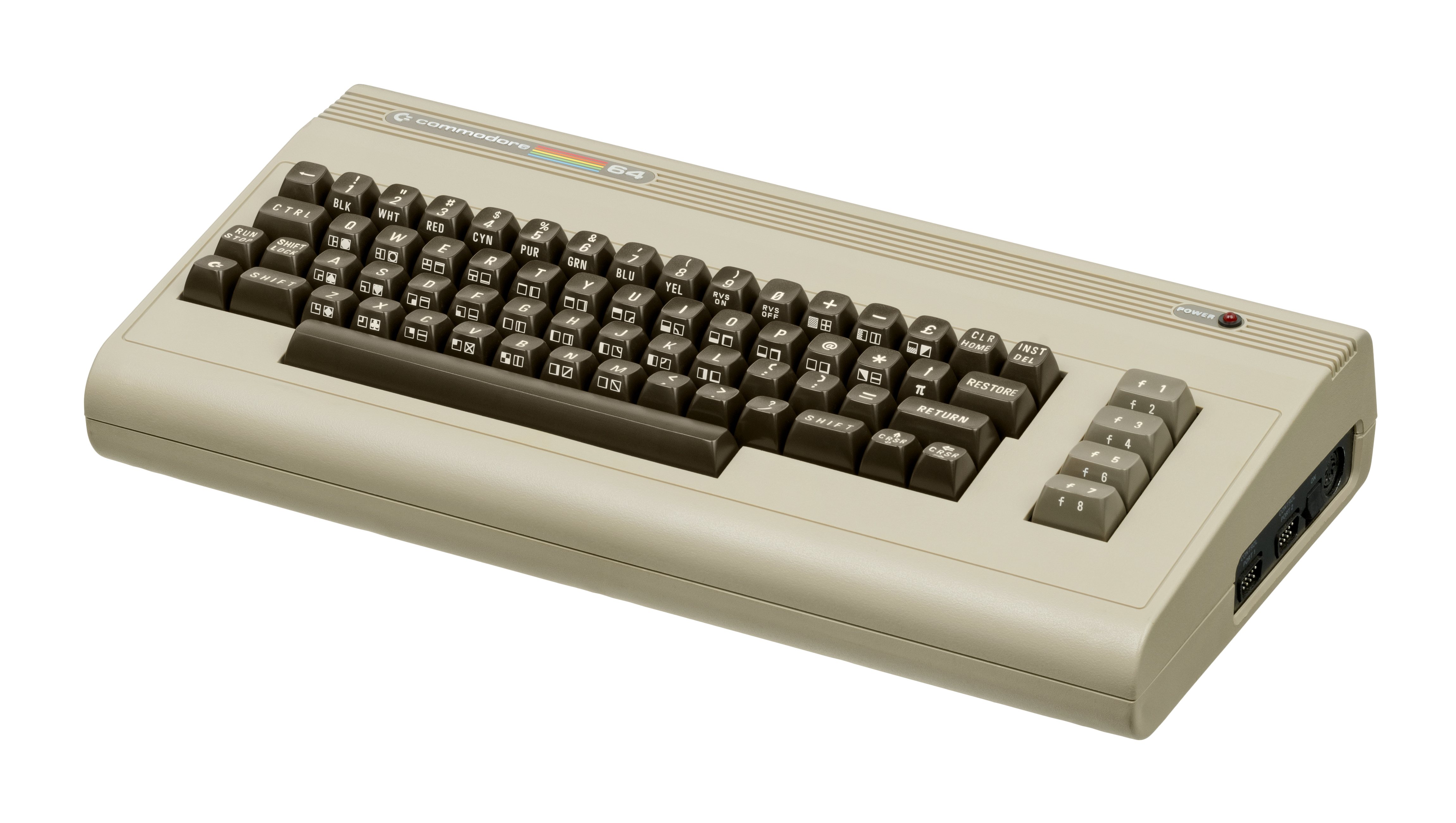
One of the early challenges in diving into retro computing is figuring out how to deal with software. Sure, you can use a disk drive — maybe you already have one — but for newcomers (like I was with the Commodore 64), disk drives can feel like a “Phase Two” problem. I wanted something simple to get started.
Kung Fu Flash is the easy button. Note: I’m talking about the original Kung Fu Flash, since I don’t own the newer KFF2… yet.

Getting Started
You can either build one or buy one. I went the easy route and grabbed mine off Amazon. It doesn’t include a microSD card, so you’ll need to supply your own. Make sure it’s formatted as FAT32 — a 4GB or 16GB card is ideal. Larger cards require a third‑party tool like Rufus to format properly.
Once your card is ready, pop it into the cartridge, insert the cartridge into your C64, and power on. If everything is correct, you’ll see “no files found.” If the SD card isn’t compatible, Kung Fu Flash will let you know.
That’s the “hard” part.

Loading Software
Now it’s time to fill that FAT32 microSD card with all the good stuff. Kung Fu Flash supports a wide range of formats, including:
- Cartridge: CRT
- Generic C64/C128 cartridge: ROM, BIN
- Disk images: D64, D71, D81
- Tape images: T64
- Programs: PRG, P00
- Firmware updates: UPD
- Text files: TXT, NFO, 1ST
Check the GitHub page for the full list of supported cartridges — all your favorite freezer and fast‑load carts are covered. There’s even a dedicated “Special” button for freezer carts.
Once your files are loaded, you’ll see a menu on the C64. Use Cursor Up/Down to move down the list, and Shift + Cursor Up/Down to move up. And beware the Shift Lock key — if it’s engaged, you’ll only move upward. Ask me how I know.

Updating the Firmware
My cartridge shipped with firmware v1.53, but the latest release was v1.55. Updating is incredibly simple:
- Download the
.updfile from the Kung Fu Flash GitHub repository. - Copy it to the root of your FAT32 microSD card.
- Insert the card into the cartridge.
- Select the update file from the on‑screen menu.
That’s it. The whole process took less than a minute.

Advanced Features (If You Want Them)
Kung Fu Flash includes some advanced USB‑based features that work with a modified EasyFlash 3 utility. Personally, I leave that to my EF3 cartridge — I’ll cover that in another post. The real strength of Kung Fu Flash is its simple, powerful SD‑card interface.
Notes from the GitHub Page
A few technical details worth mentioning:
- Timing can be tricky. C64 bus timing is tight, and while Kung Fu Flash has been tested on many models, some systems may require phi2 offset adjustments.
- PAL and NTSC supported. Works on both C64 and C128.
- Disk emulation limitations. It uses kernal vectors, so fast loaders and software that access hardware directly won’t work. REL files aren’t supported, and only a subset of DOS commands is available.
Final Thoughts
The Kung Fu Flash is cheap, easy, and incredibly useful. If you’re starting your Commodore 64 journey — or just want a no‑friction way to load software — don’t overthink it. Just get one.
Here are some links to get you started.
Buy Kung Fu Flash 1 / KFF1 Github / KFF2 Github / Buy Kung Fu Flash 2 / Rufus
Happy Tinkering,
Rick